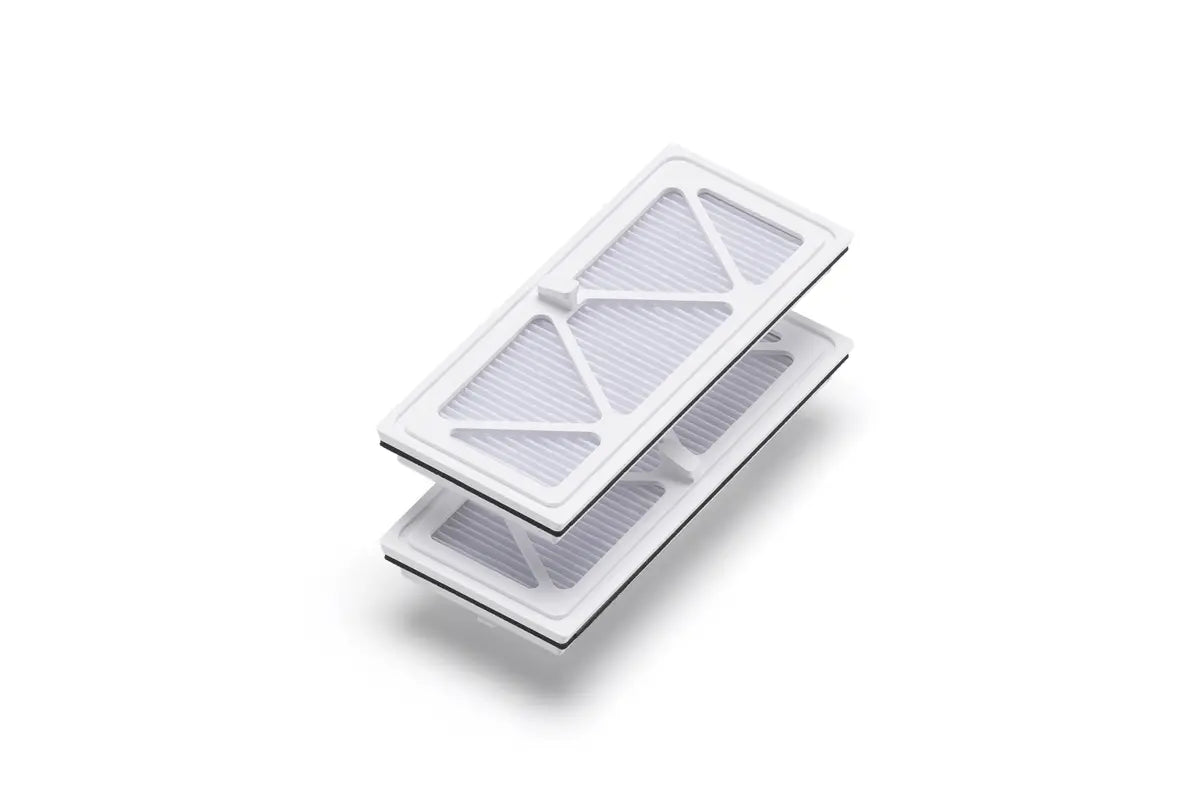
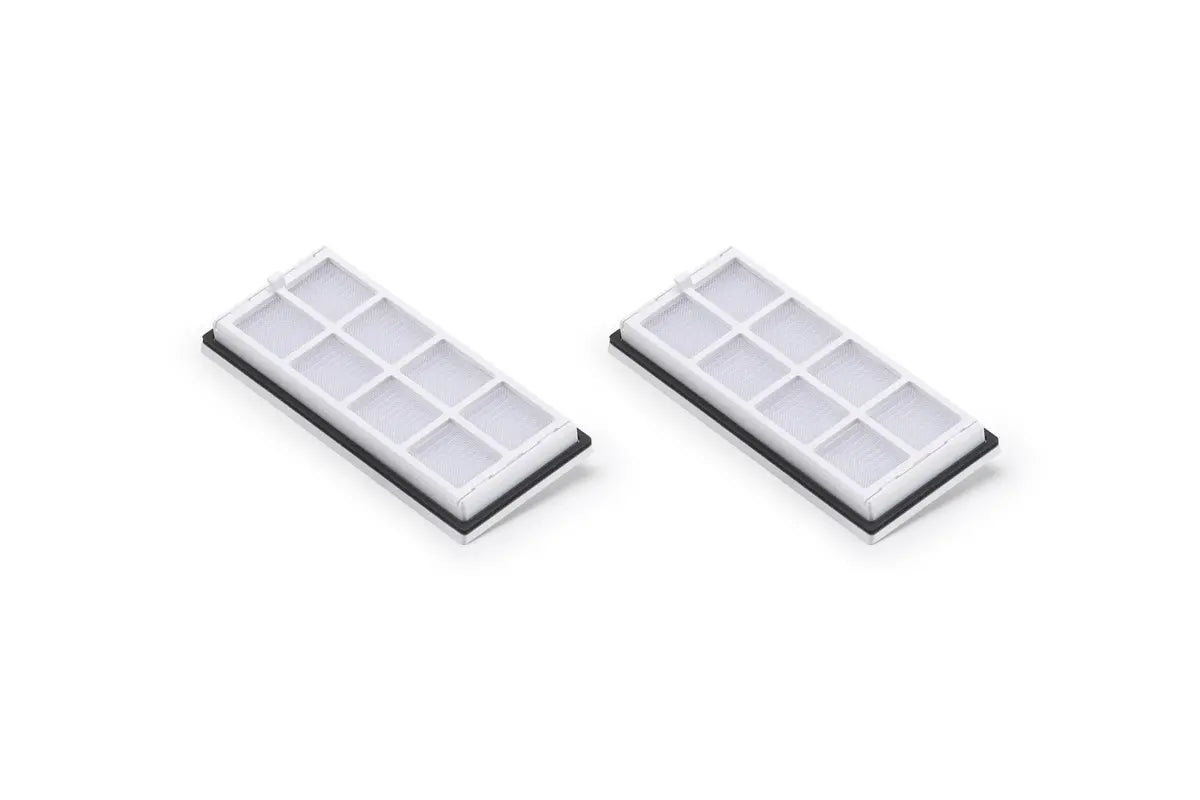
Overview
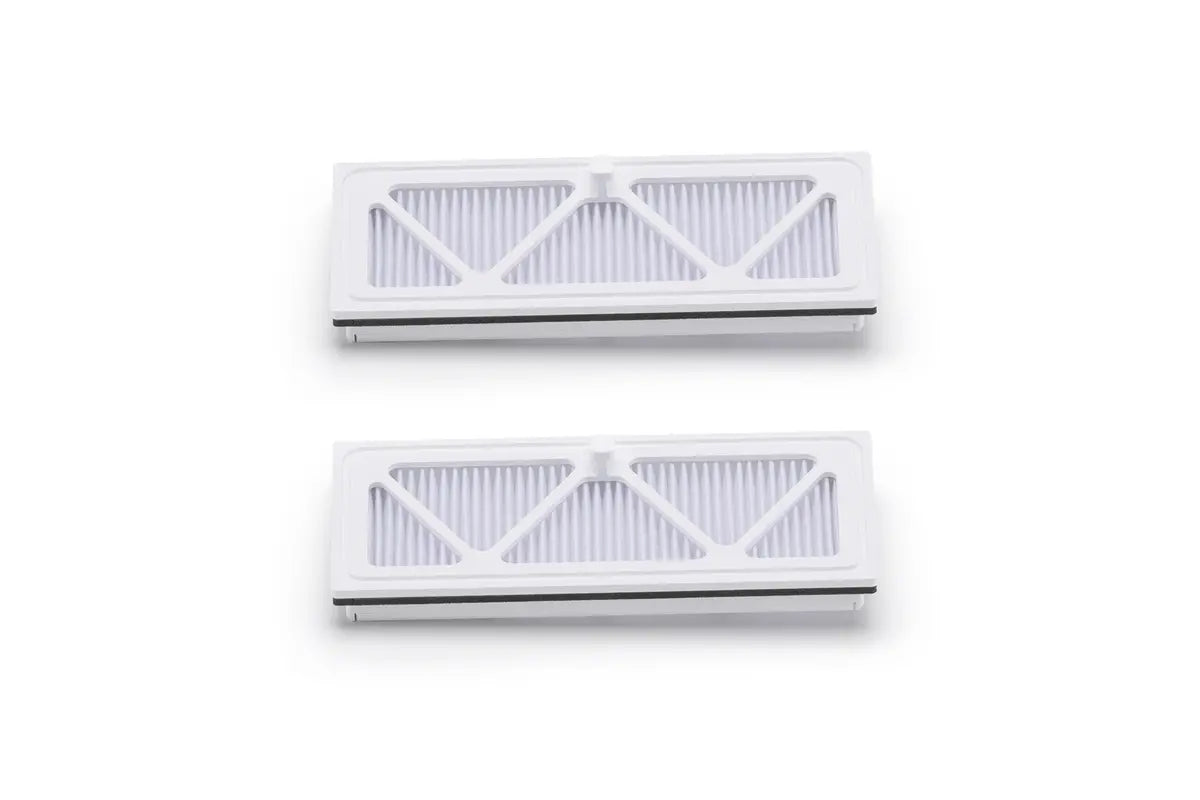
Made with E11-grade filter material, it efficiently filters dust and expels clean air to prevent secondary contamination. The filter is washable and reusable after air-drying.
Tips
Store in a cool, dry place away from direct sunlight.
In The Box
ROMO High-Efficiency Filter × 2
Specifications
Weight: 52 g
Dimensions: 128.5 × 57.8 × 25.4 mm
Compatibility
DJI ROMO P
DJI ROMO A
DJI ROMO S